
Who it's for

One timesheet loop. Lots of different jobs.

If your people start work somewhere other than your office, at a client's building, a client's home or a building site, ZimQi turns their check-ins into approved, payroll-ready hours.

Start free trial (30 days) Open ZimQi in Telegram

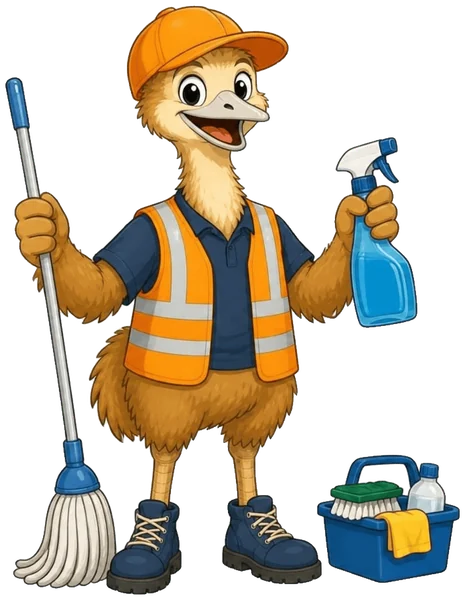
The ZimQi emu in an orange cap and hi-vis vest, smiling, with a mop in one wing, a spray bottle in the other and a cleaning caddy at his boots.
The ZimQi emu in an orange cap and hi-vis vest cleaning an office after hours, holding up a phone with a green tick next to a cleaning trolley and mop.

Commercial cleaning

Offices, medical suites, schools, gyms and shopping centres, often before dawn or after close. Each cleaner checks in on Telegram when they arrive and says what they did when they leave.

Handy when: you've got lots of short shifts across lots of buildings and the timesheets come back as texts and photos.


The ZimQi emu in his orange hard hat and hi-vis vest waving hello on a building site, phone in hand, with a ute and a timber house frame behind him.

Trades & construction

Builders, sparkies, plumbers, painters and handy crews moving between jobs. A tap and a site name in the morning, and the story of the day at knock-off.

Handy when: the “he said 8, the diary says 6” conversations keep coming back.

The ZimQi emu as a security guard in a navy cap, navy shirt and shorts with an orange hi-vis vest, waving and holding a torch.

Security

Guards working across client sites and overnight shifts. Check-in and check-out at each site, approved by a supervisor, with a signed trail if hours get questioned.

Worth knowing: check-ins are self-reported and there's no GPS, so ZimQi isn't a guard-tour or patrol-verification system.

The ZimQi emu as a support worker in an orange polo, navy shorts and a lanyard, carrying a shoulder bag, giving a thumbs-up and holding up a phone with a green tick.

Home care & disability support

Support workers visiting clients' homes through the week. Each visit's hours are checked in, approved and ready for payroll.

Worth knowing: ZimQi records hours for payroll. It doesn't do NDIS claiming, award interpretation or care notes.

The ZimQi emu sitting on a toolbox, tapping a chat on his phone that shows a green tick.

Facilities & maintenance

Maintenance techs and handypeople covering a portfolio of buildings. Assign people to sites, set shift times, and let the nudges catch the forgotten check-outs.

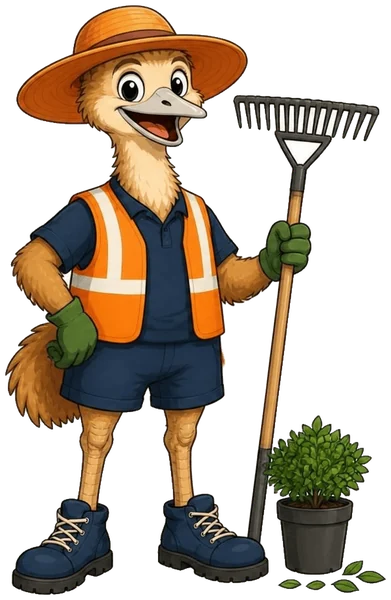
The ZimQi emu as a landscaper in a wide orange sun hat and hi-vis vest, holding a rake next to a potted shrub.

Landscaping, gardening & event crews

Mowing rounds, garden maintenance and event set-up crews that change location every day. One loop for every site, however many there are.

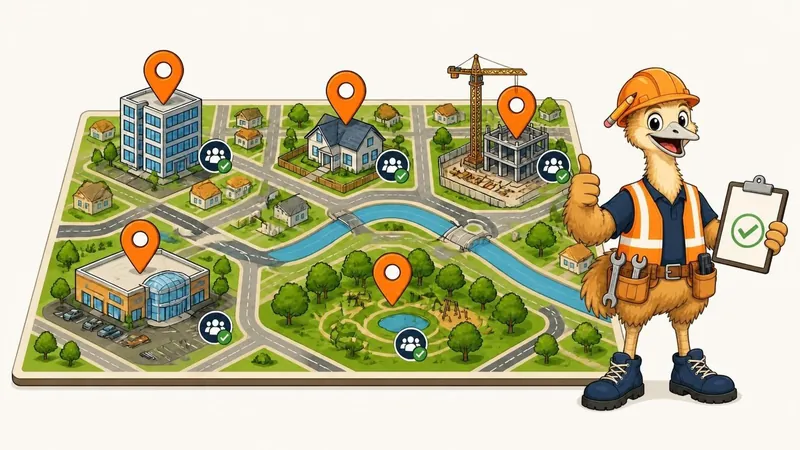
The ZimQi emu giving a thumbs-up beside a big illustrated town map with orange location pins on an office, a house, a shopping centre, a building site and a park, holding a clipboard with a green tick.

How sites work

Your sites, your people, one record

  • Add your sites or locations. A name, and optional shift start and finish times.
  • Assign your people. Each worker is linked to a site; move them in the dashboard or with the bot's /assign command.
  • Shift times drive the nudges. Forgot to check out? ZimQi reminds them, then you.
  • No shift planning. ZimQi doesn't build rosters, swap shifts or calculate award rates.

Don't see your industry?

If your team works across locations and you approve their hours, it'll probably fit. Tell us how you do timesheets now.

Apply for a founding spotSee how it works